Channels are great for organizing your links, qr codes and bio pages.
You can quickly access them when needed directly from the sidebar when you start the channel.
To create a channel and add a link
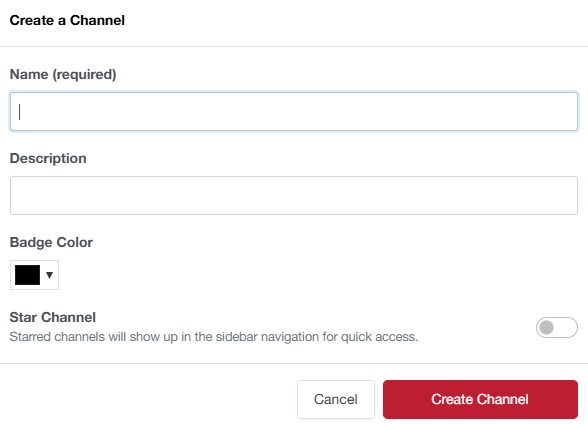
Create your channel in My Channels
Check links you want to add to the channel, then click on the box/package icon.
For QR codes and Bio Pages, you can add them by clicking the
You will see the channels in a dropdown menu.
If you don't see any channels, you will need to create one first.